

Admin Panel
Manage your data
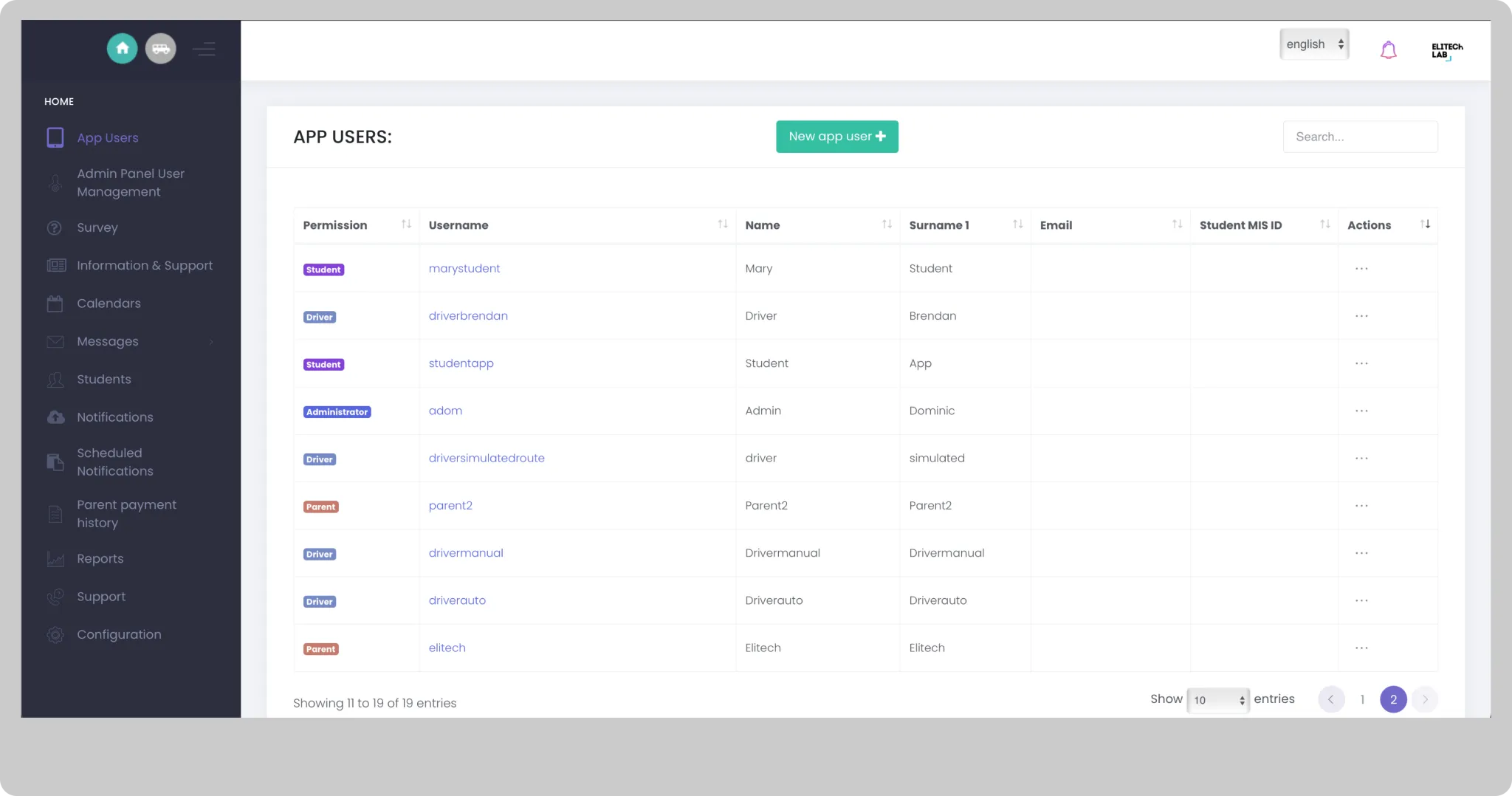
Application Users
You can manage all types of users who have access to applications. In this section you can view, create and edit driver, parent or student users.
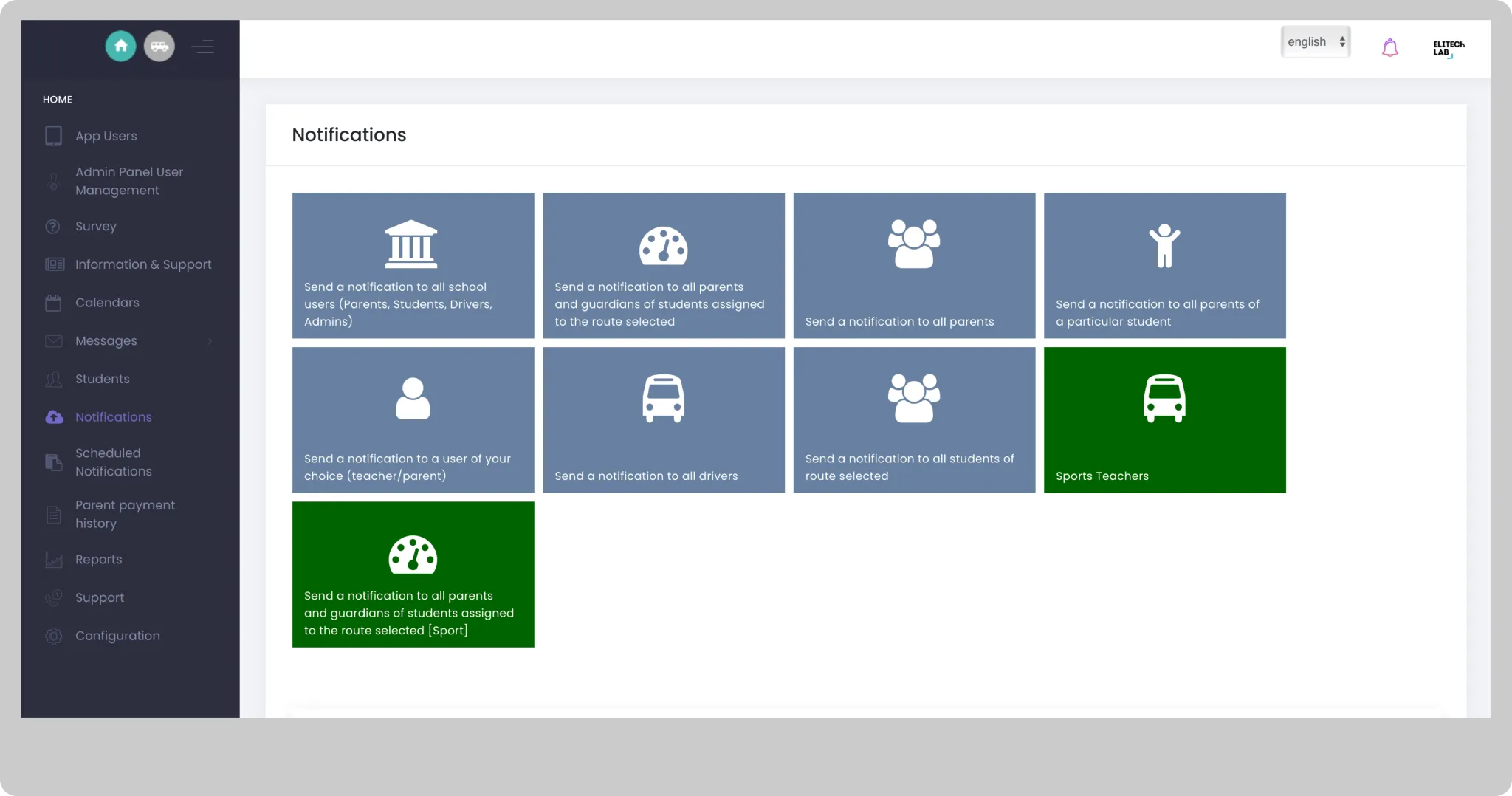
Send Push to the App Users
Push notifications dashboard
Fleet tracking
Generate a live passenger list and find out how many minutes left for a bus to arrive at the school.
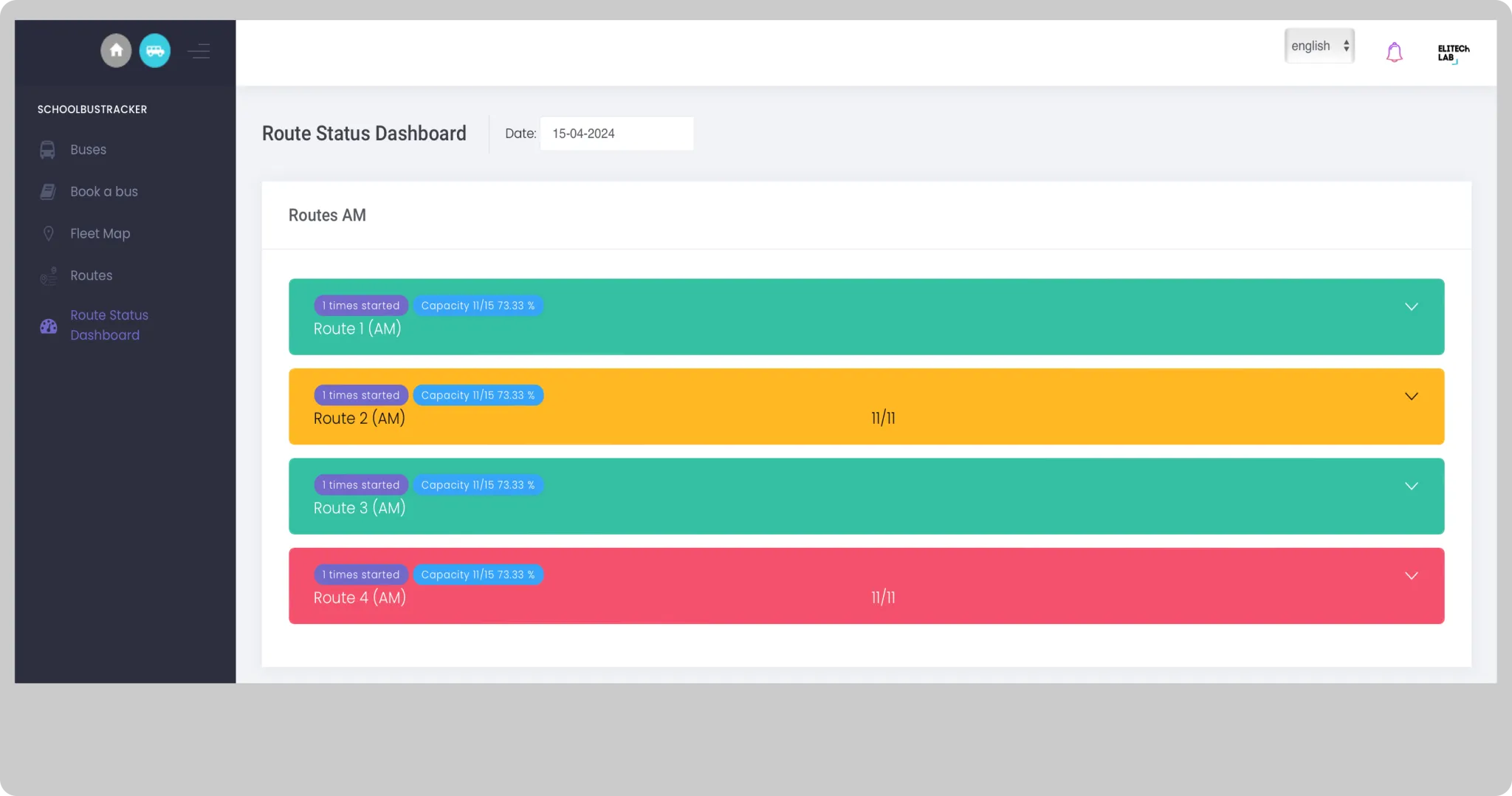
Route Status Dashboard
The Route status dashboard provides a traffic light display of each of your routes. It will help you to quickly identify how your routes have gone for the day once the bus has arrived at the destination (AM, PM and LATE routes). You can also check how your routes went for previous days.
Reports
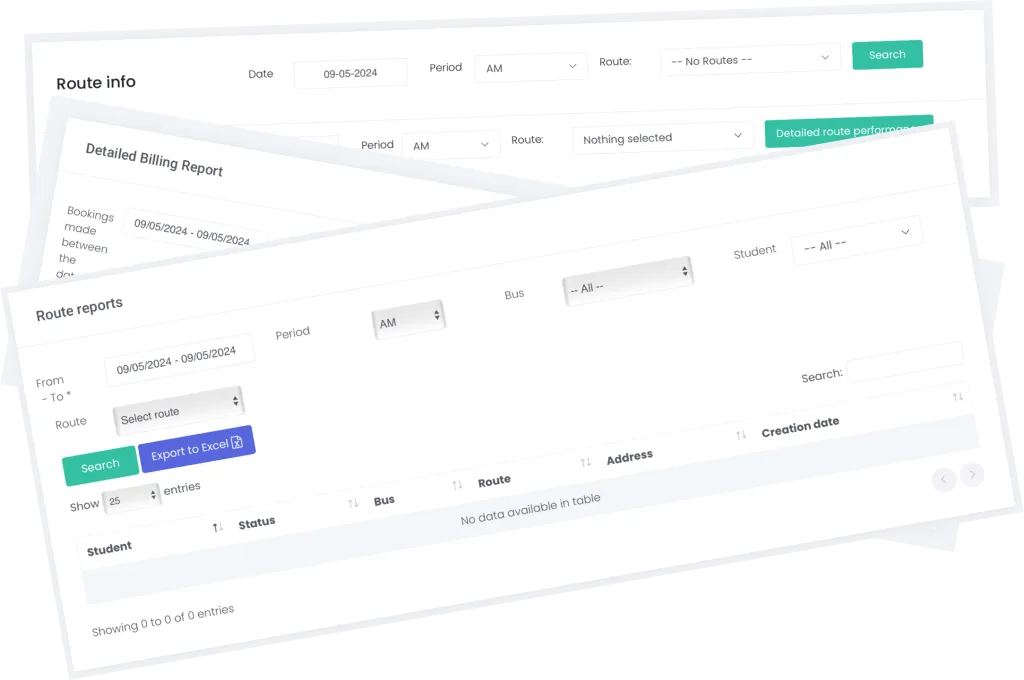
Detailed reports for billing, bookings and route analysis.
SchoolBooker
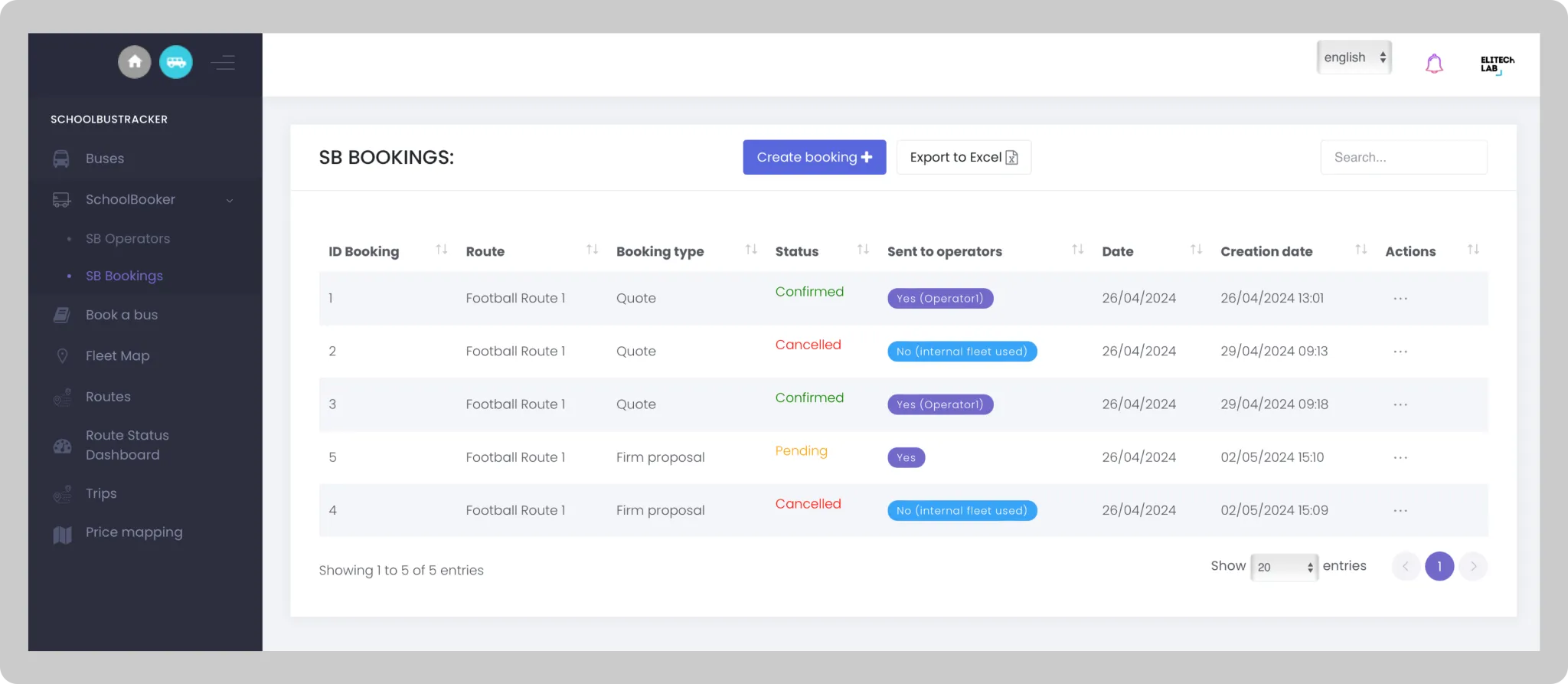
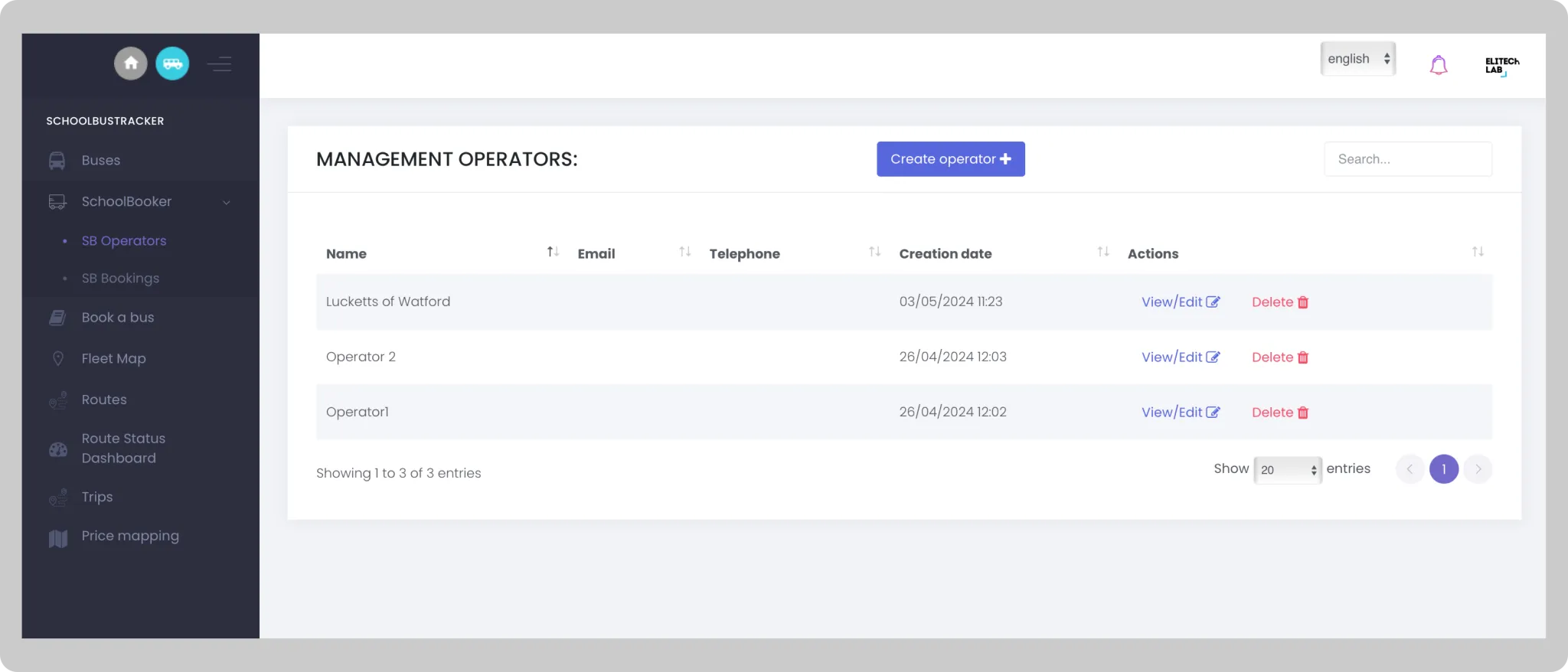
A unique and integrated booking platform so your staff can send booking requests and process bookings for their fixtures, events and trips. This module helps your school reduce your transport costs by giving priority to your internal fleet (if available). If no internal buses are available then the booking request will be instantly sent to all your operators so they can quote you. Store historical data of bookings, cost per operator, internal costs and savings obtained. Excel data export to help your finance department reconcile payments.
Staff user
- Send booking requests internally (internal fleet) or externally (subcontracted operators).
- Accept booking recommendations or request quotes from operators.
- Accept, reject or cancel a booking or quote.
- Instantly assign a teacher to the booked route.
- Book a bus/coach for a day, select specific weekdays or termly bookings.
Trips
Manage your trips
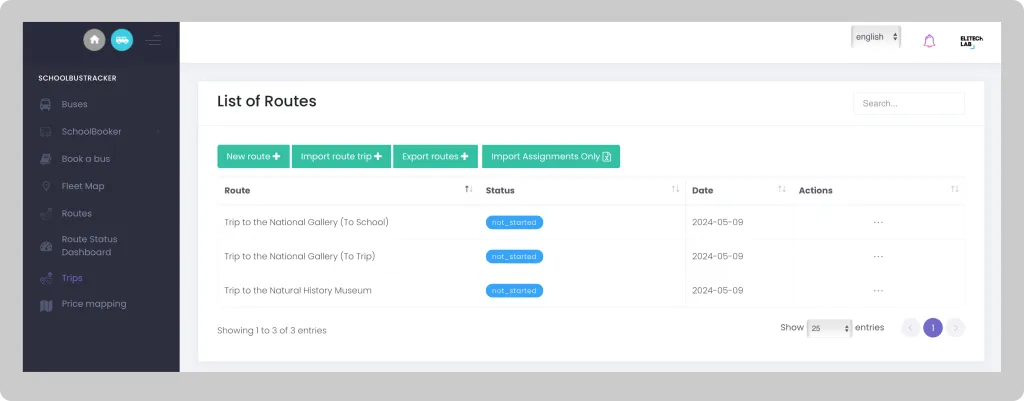
Trips
- Create, import or export your trips. Once trips are created, you can preview or edit them.
- Create, modify or delete stops on each trip.