Teacher App
- Easy installation on any device (iOS and Android)
- Our transport technology combined with our attendance software
- Automatic student drop-off at school and fixture/event.
- Live instant data import with Socs (team sheets/groups).
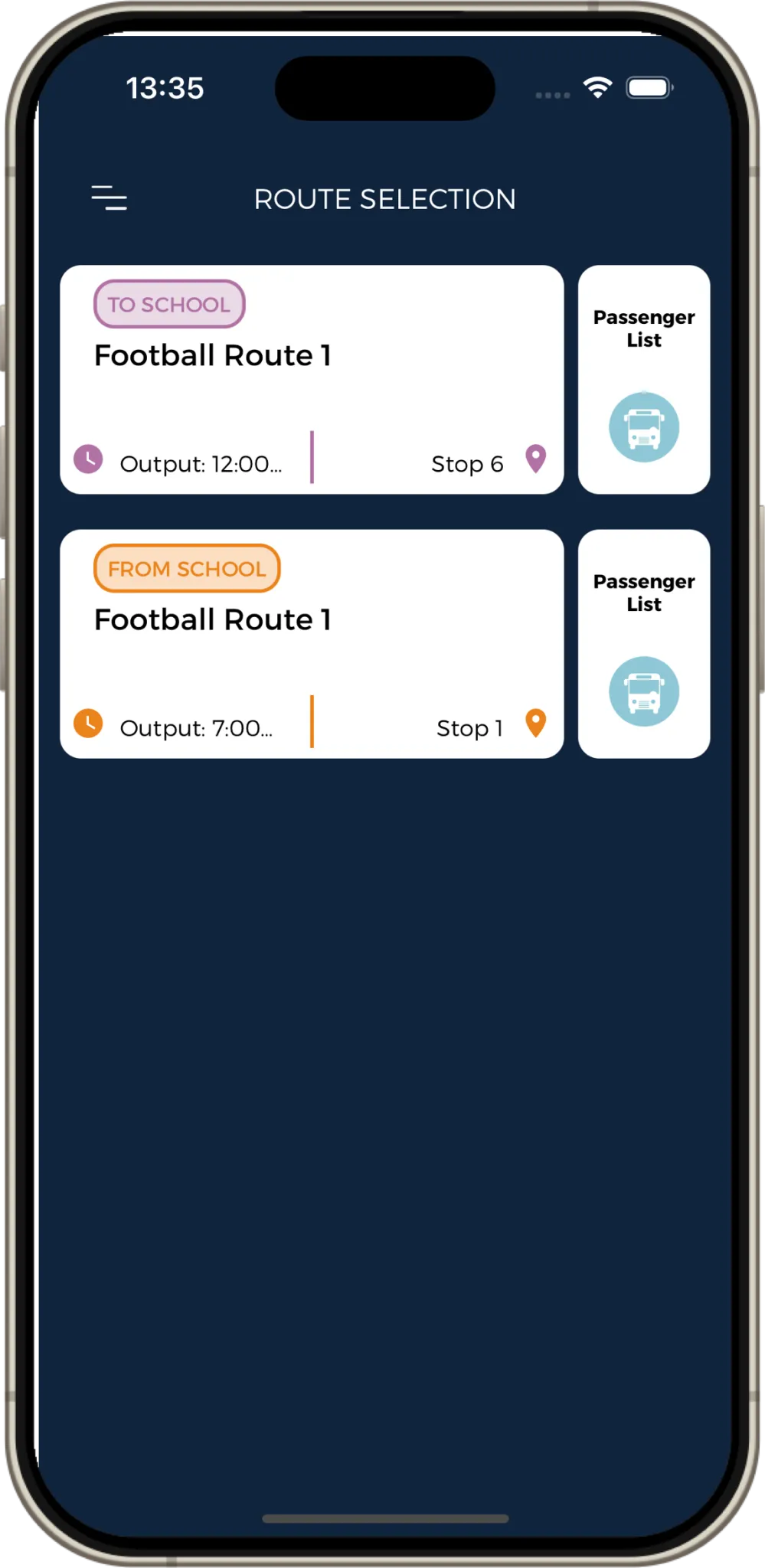
Route list
Easy access to select your fixture, event or trip (To school and from school).
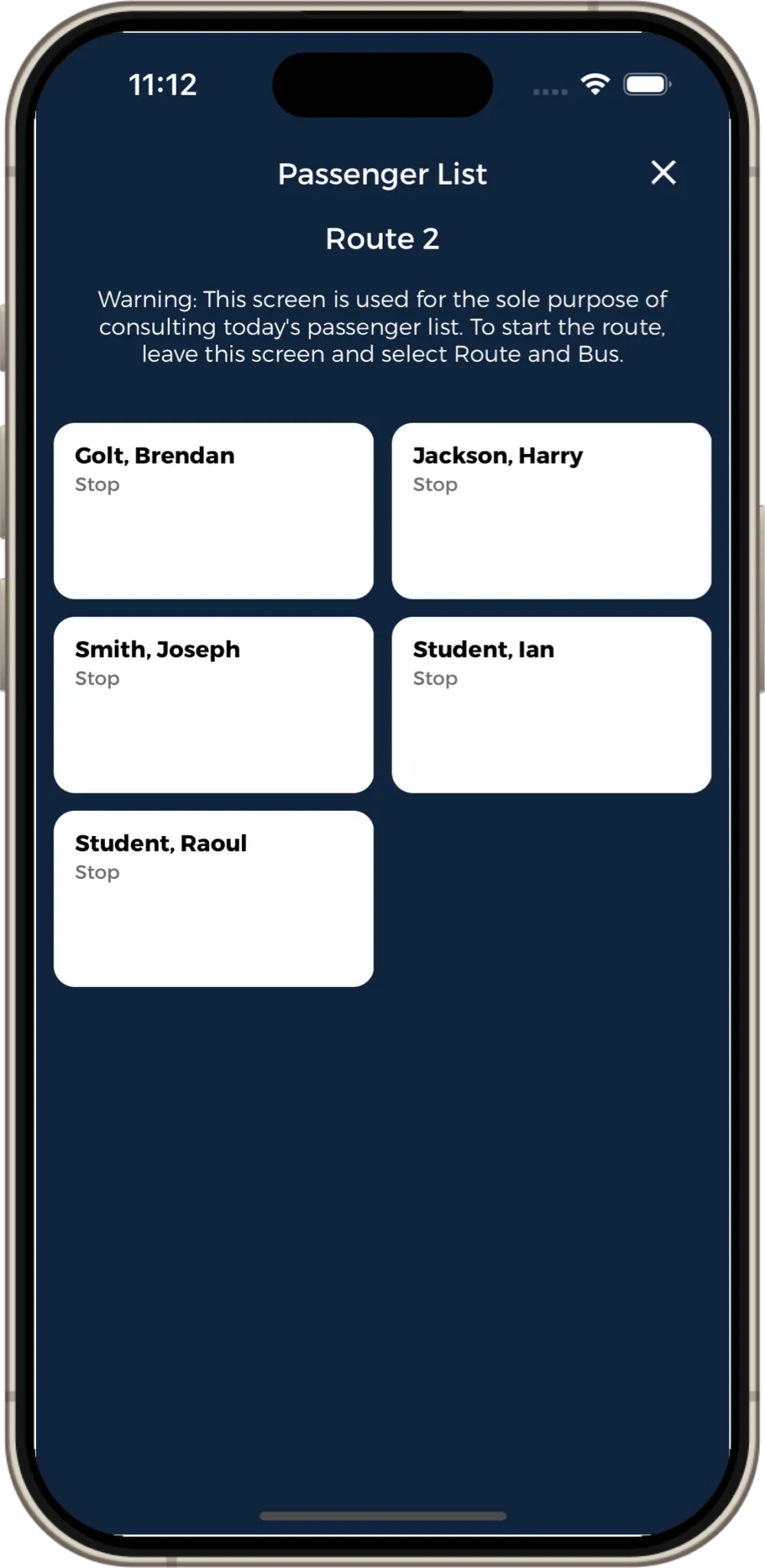
Passenger List
Facilitates access to the route passenger list so that you can see which students will be on the route without having to start the route.
Starting a route was never that easy!
Select your fixture, event or trip
.X1IVpfNi_1sSLPD.webp)
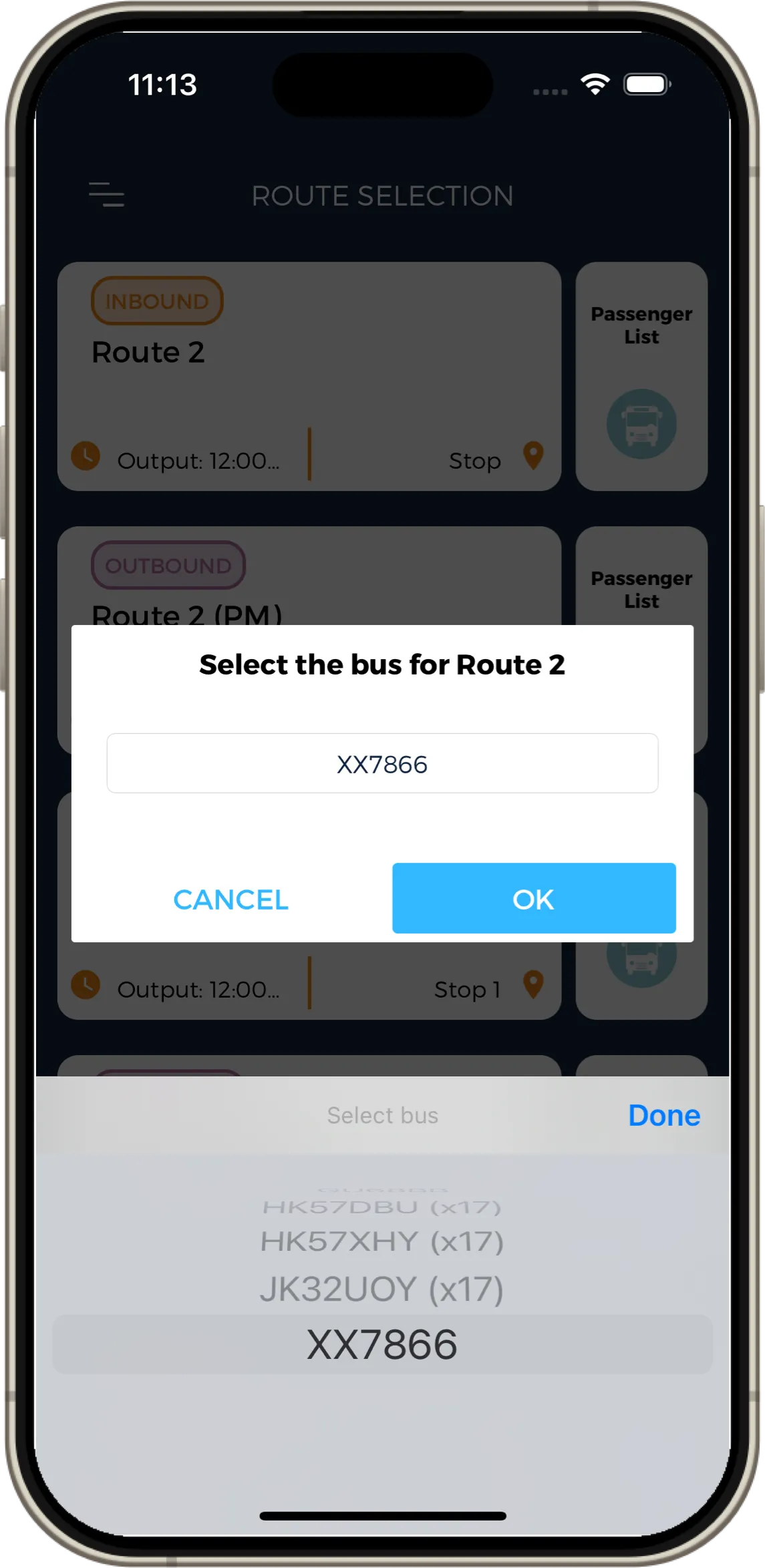
Select the bus
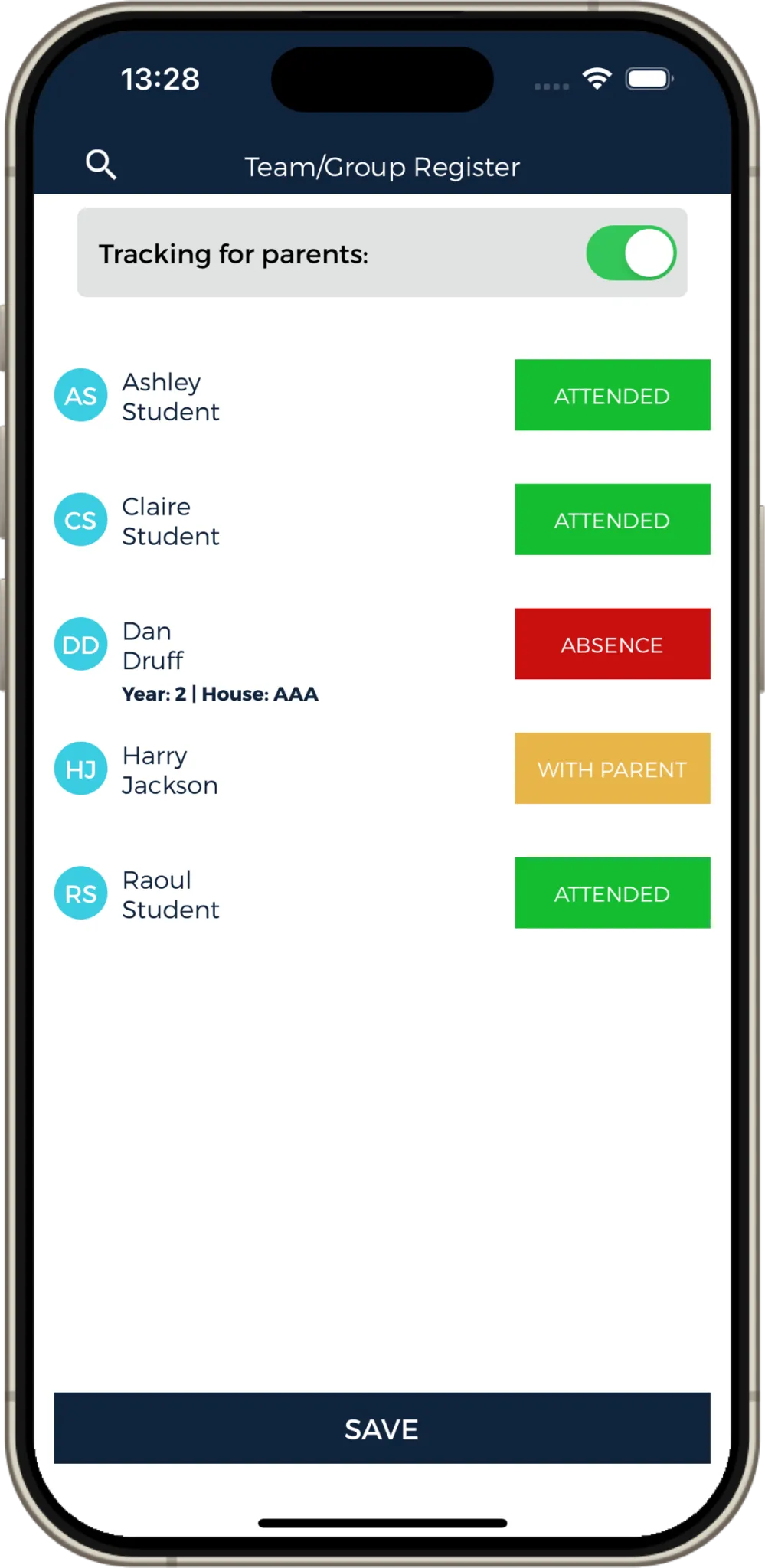
Attendance Register
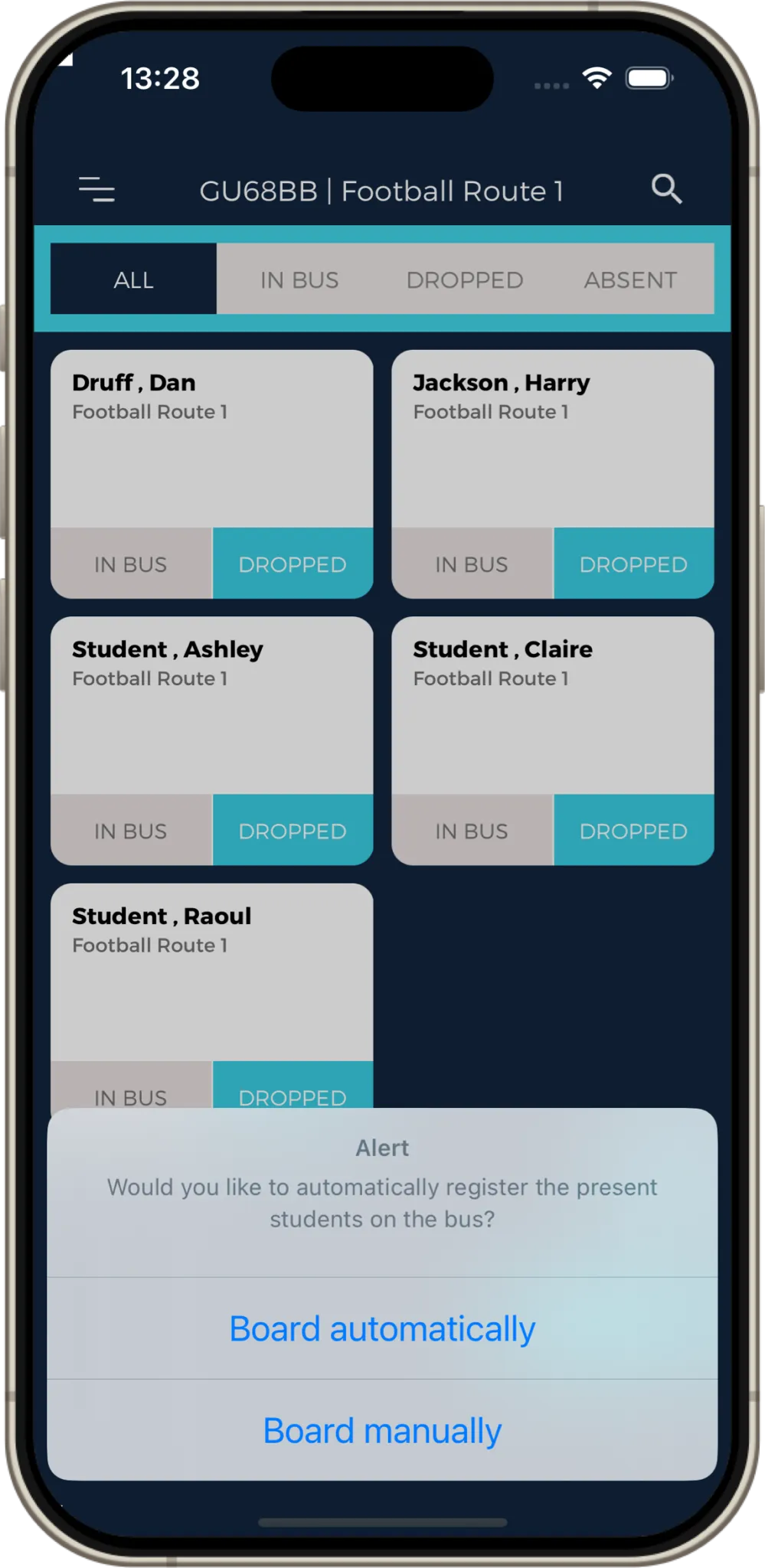
Board the students manually or automatically
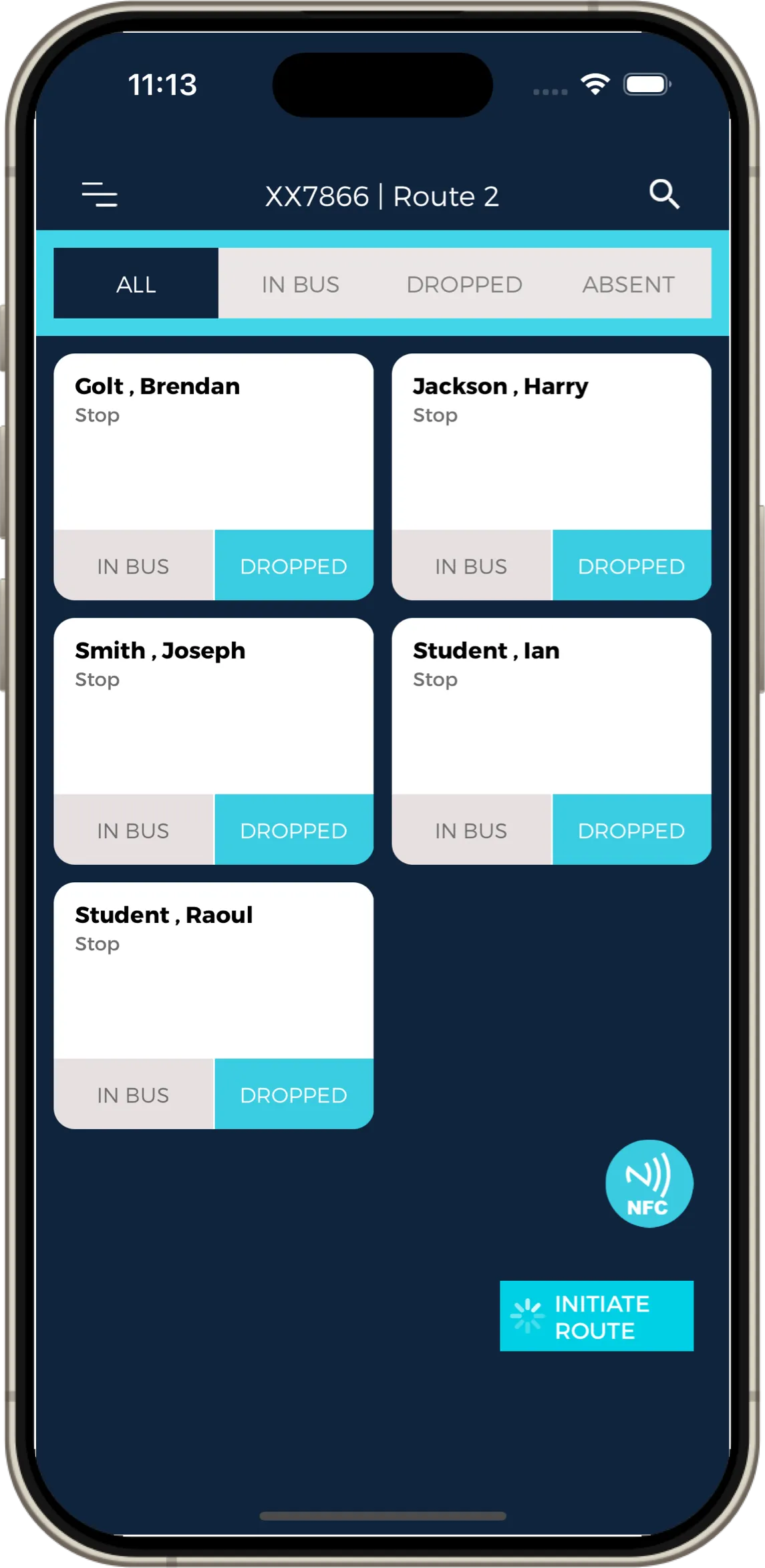
The route starts automatically
ACAR (Any Child Any Route) feature
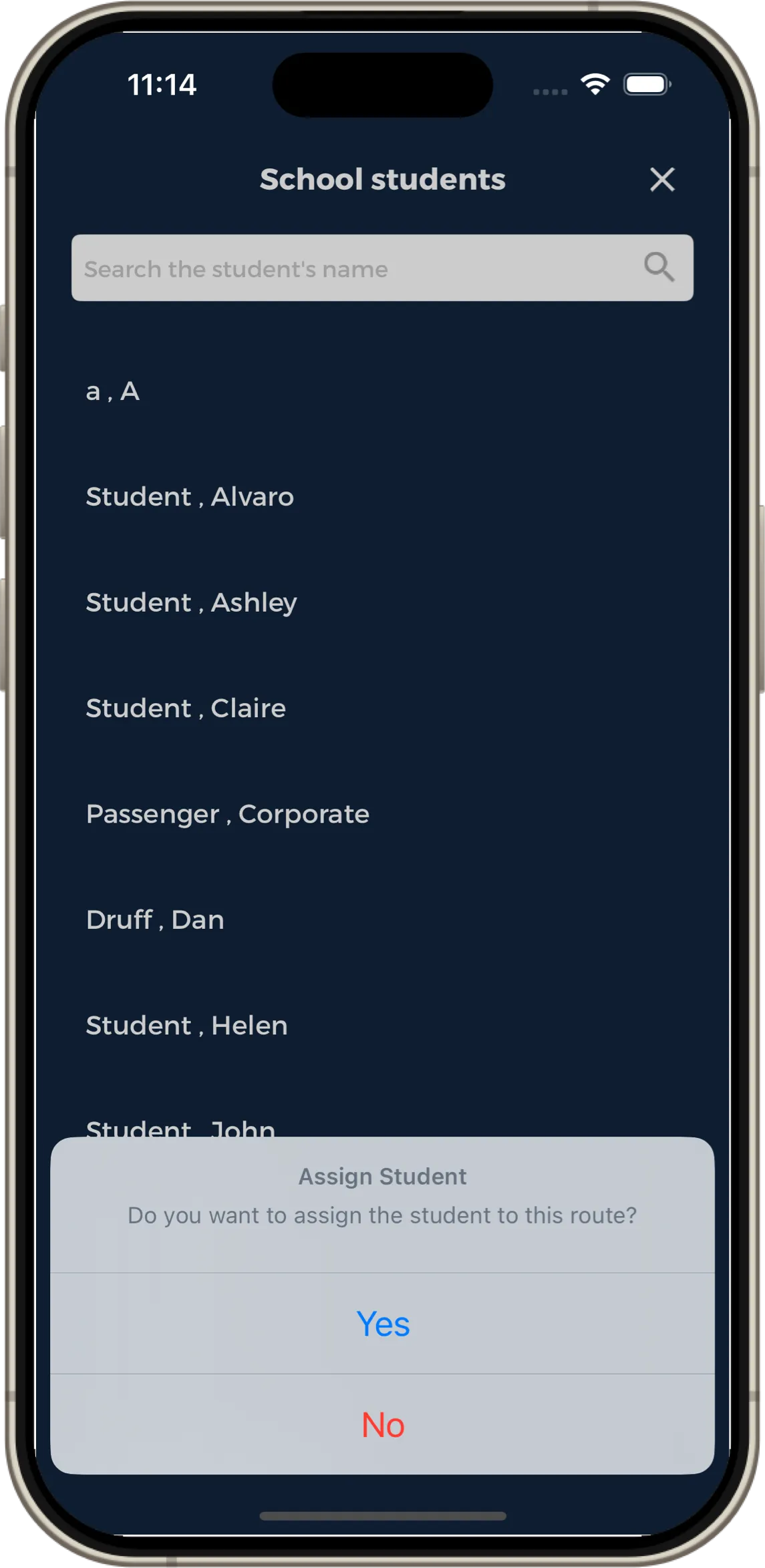
This feature allows any school student (imported via your MIS) who is not on your attendance or passenger list, to optionally be added to a fixture/event/trip (last minute addition). You can find this feature on the attendance screen or on the passenger screen once your trip has started.
Search for the student
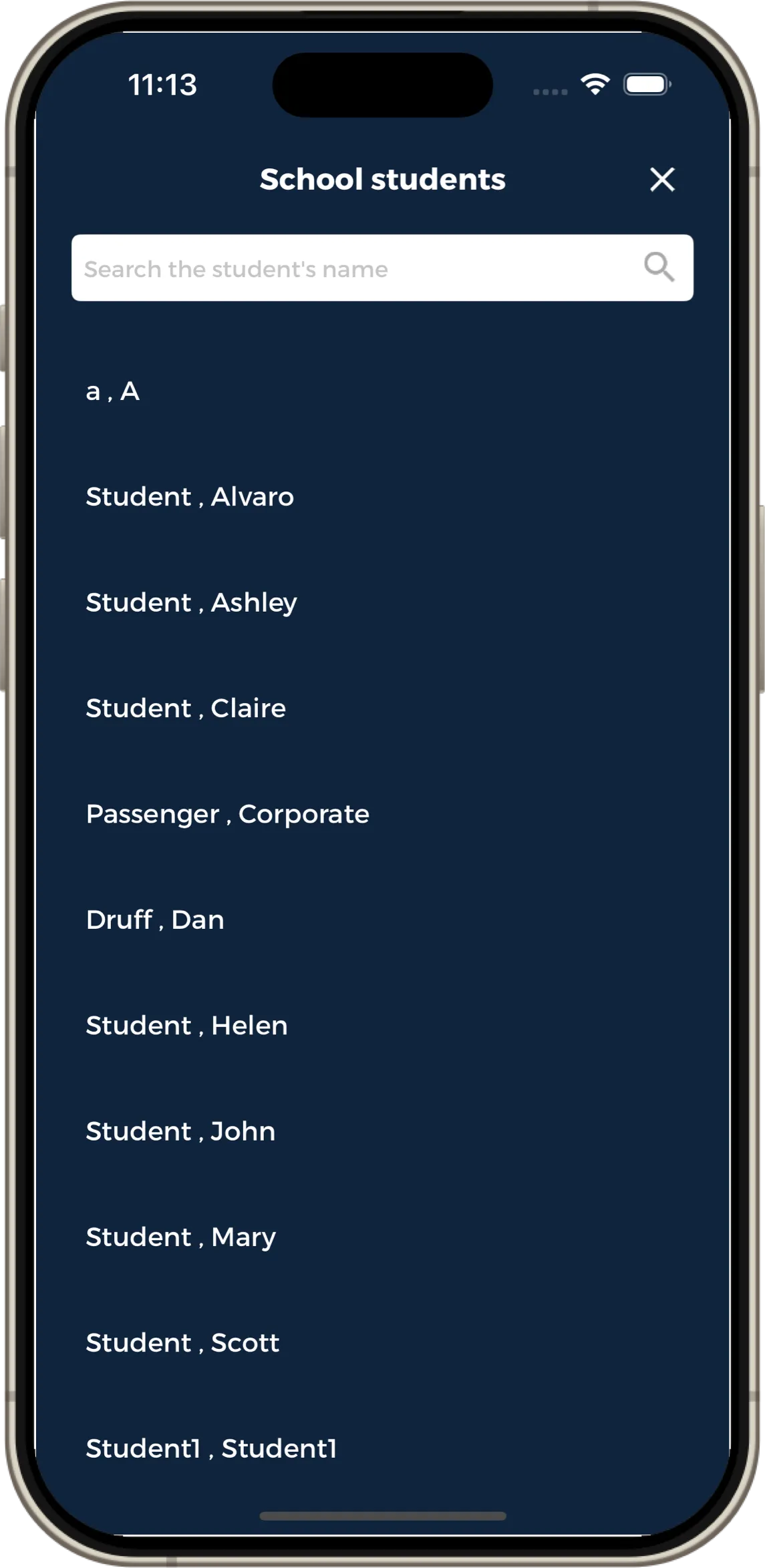
Add the student manually or allow automatic boarding
Emergency button
In case of emergency, the driver can press the emergency button to send an alert including the coach location coordinates.
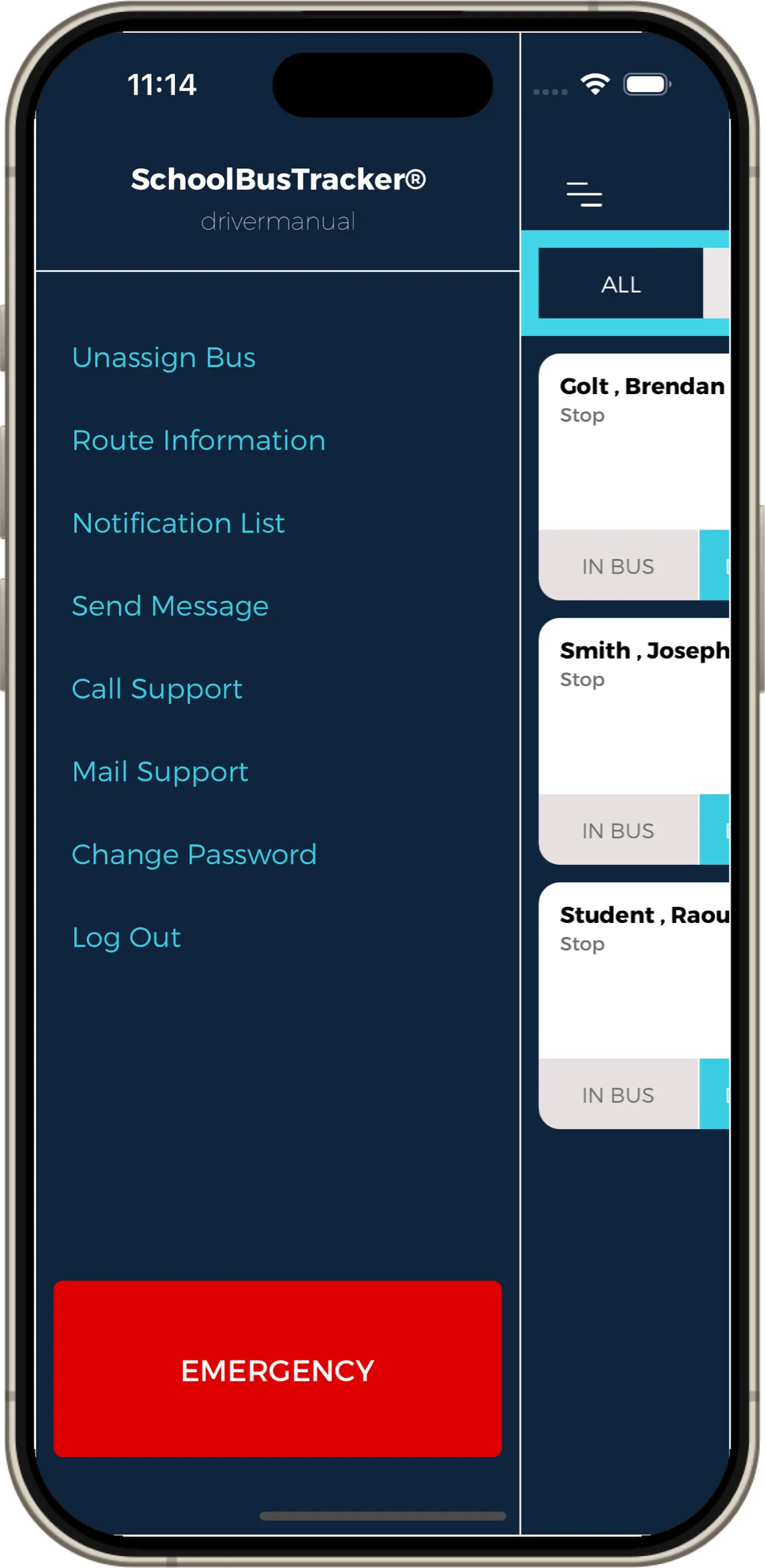
Route information
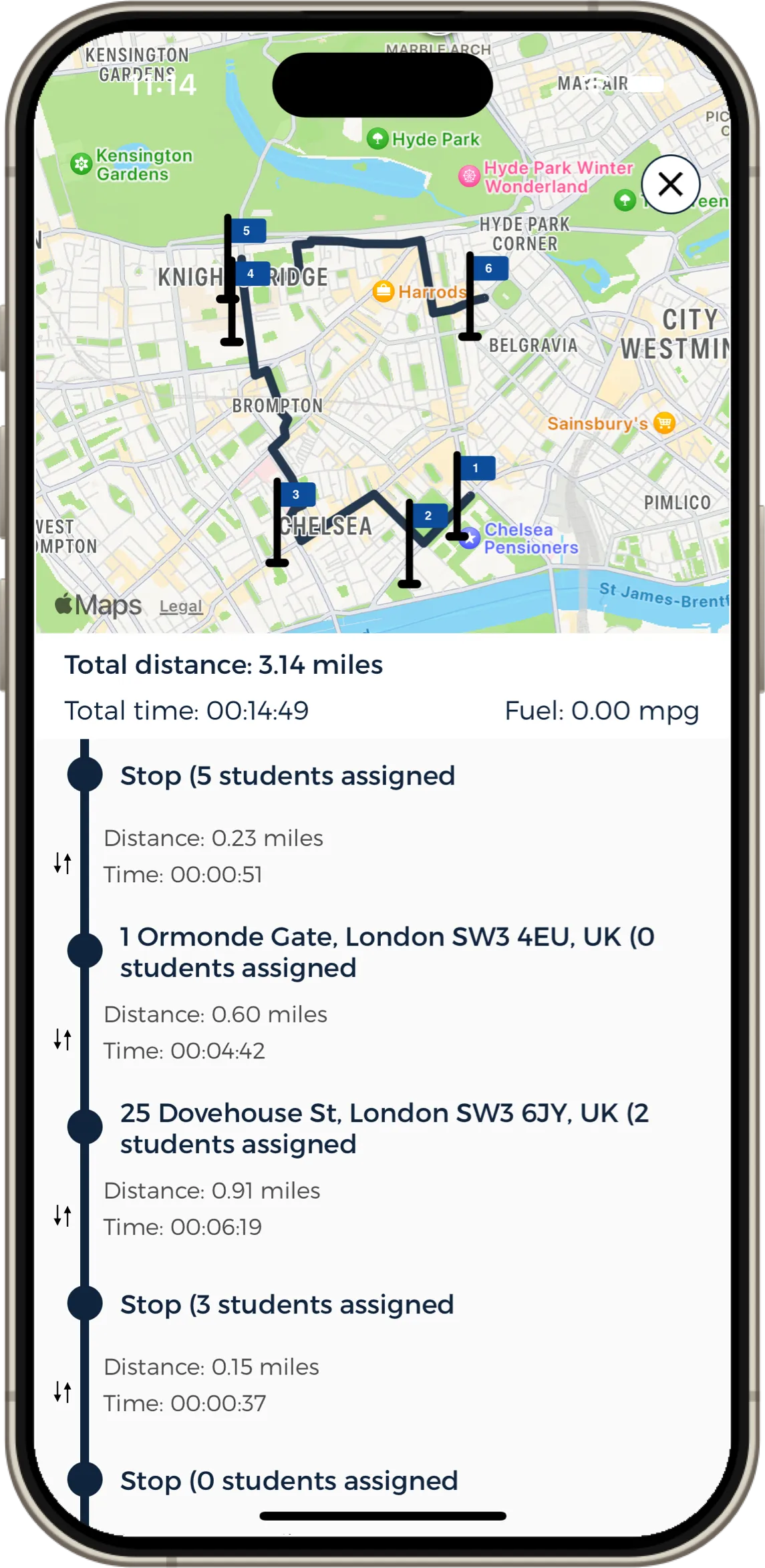
Drivers can view the full route, stops, distances, timings and assigned students in real time.